2 Red Hat Developer Account
You will need a Red Hat account and subscription in order to work through the material in this book. Later on we’ll use your account to register and subscribe RHEL virtual machines in our lab so that we can install packages, etc. If you already have an account you can skip to the [next section].
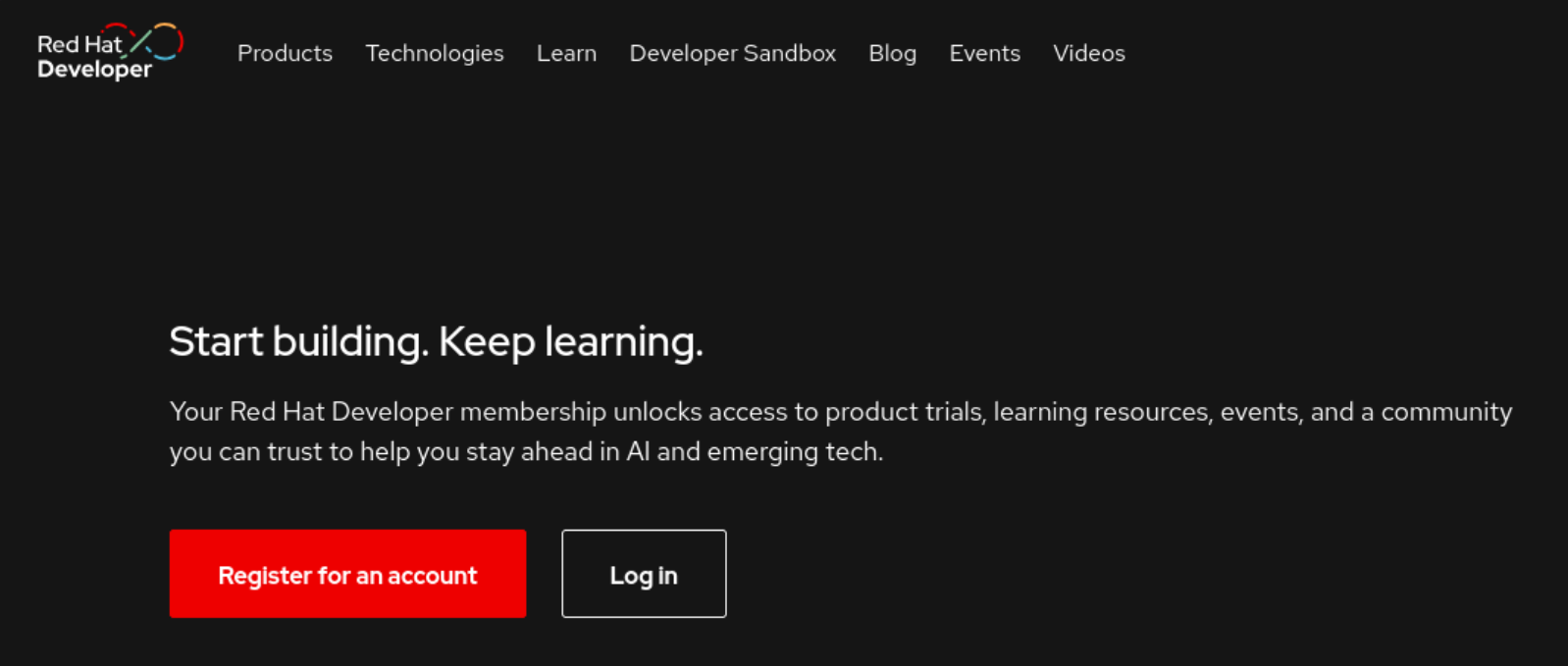
If you don’t already have a Red Hat account head on over to developers.redhat.com and register for a Red Hat Developer membership. Click the Register for an account button and follow the prompts.
You will probably be using this account to register for your exam so make sure that you pick a username that you plan to use long-term (you won’t be able to change it later). I recommend FirstinitialLastname, FirstnameLastname, or similar professional seeming username. For example, my Red Hat username is akraker since my name is “Alex Kraker”.
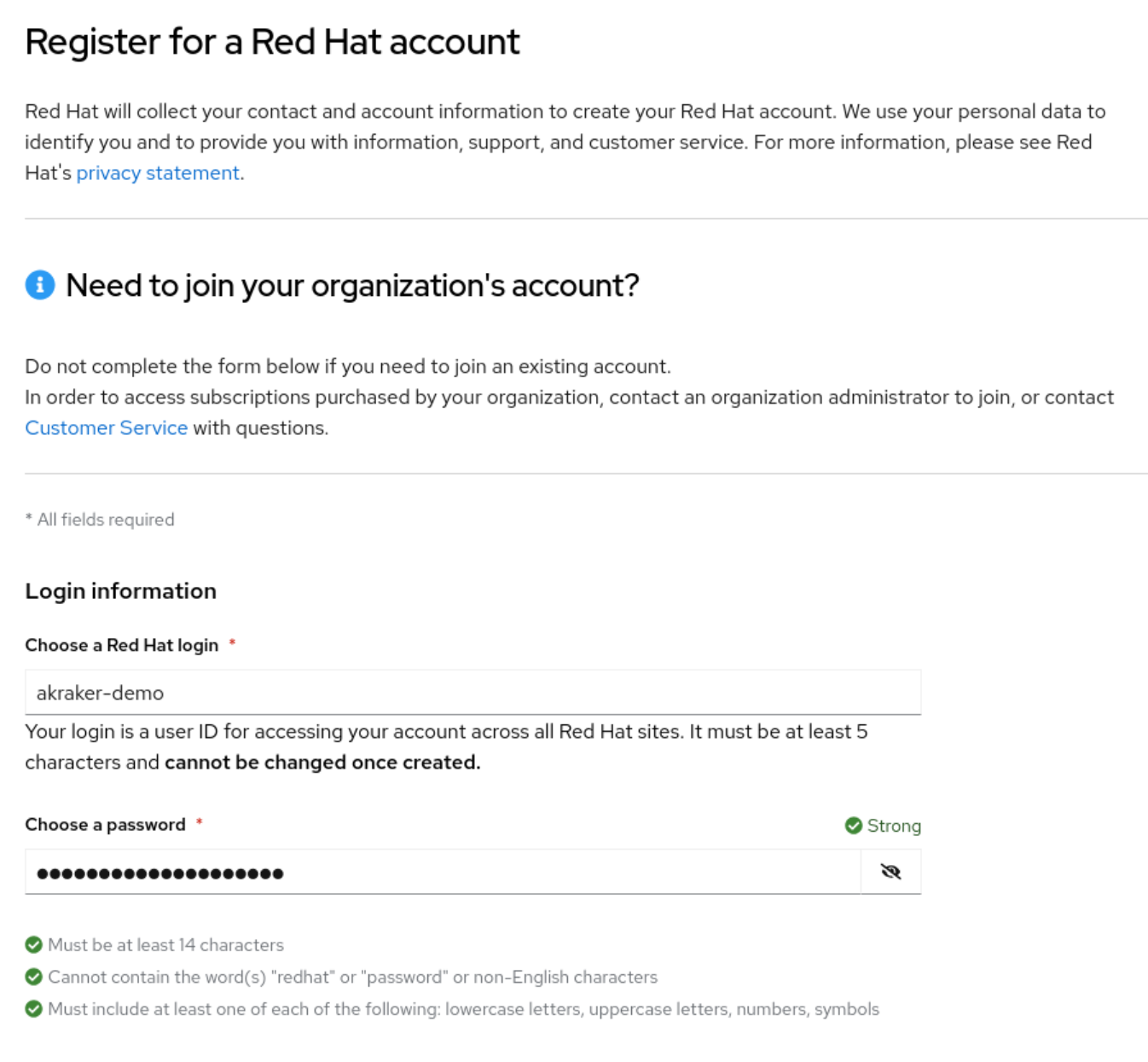
There may be some scenarios where you wouldn’t use your own account to register for the exam. For example, if you already have an account through your employer and they’re reimbursing you for the exam voucher fee or you need to join their organization.
After you pass the exam Red Hat will issue a certification badge attached to your Certification ID and this is linked to your account. This ID will follow you if you plan to keep going and get more certs, the RHCE for example.
Next, fill out your personal information as accurately as possible. Make sure that your First name and Last name match what is on your government issued ID such as a driver’s license or passport.
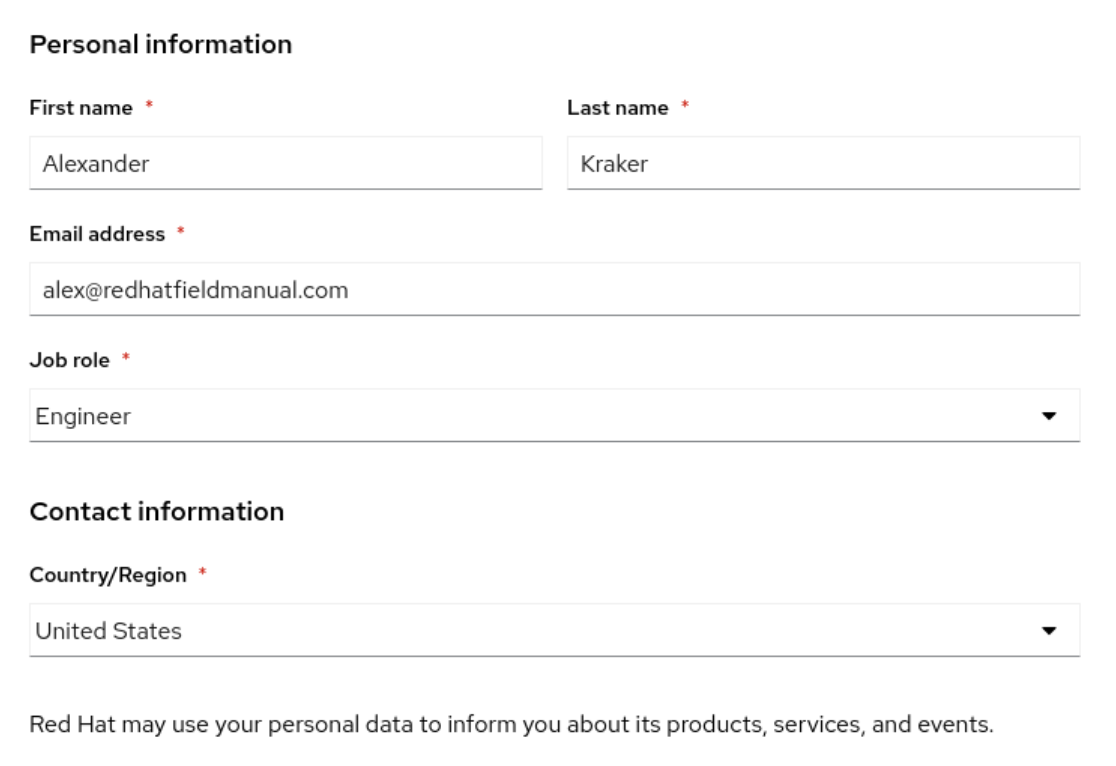
This name needs to match exactly since the exam proctor will use this name to verify that you are who you say you are. If the names don’t match, this could cause a false-start on exam day and use up an exam attempt. You can change this name later within Red Hat’s Identity Management portal, but it’s a bit of a hassle.
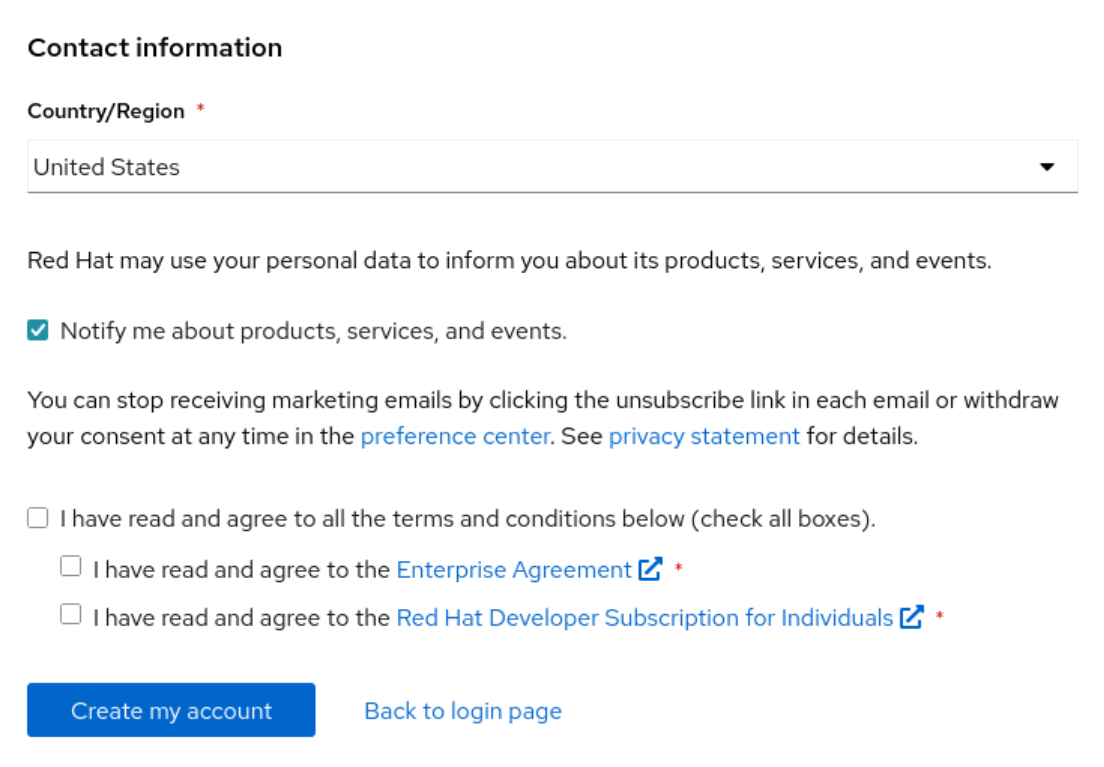
Once you’re done filling out your information, check boxes to agree to terms and click the Create my account button.